Get your photos off your phone and onto your Mac.
Plug in your Android. See what’s new. Cross it over, verified. Nothing is deleted until it’s safe.
Pay once. No subscription, no account, works offline. macOS 14 or later.

The problem
Google discontinued Android File Transfer in 2024. Apple’s Image Capture never learned Android. What’s left is either a general file manager or a “phone suite” that wants a subscription and your email.
RollFerry does one thing: photos and videos, phone to Mac, over a cable.
How it works
-
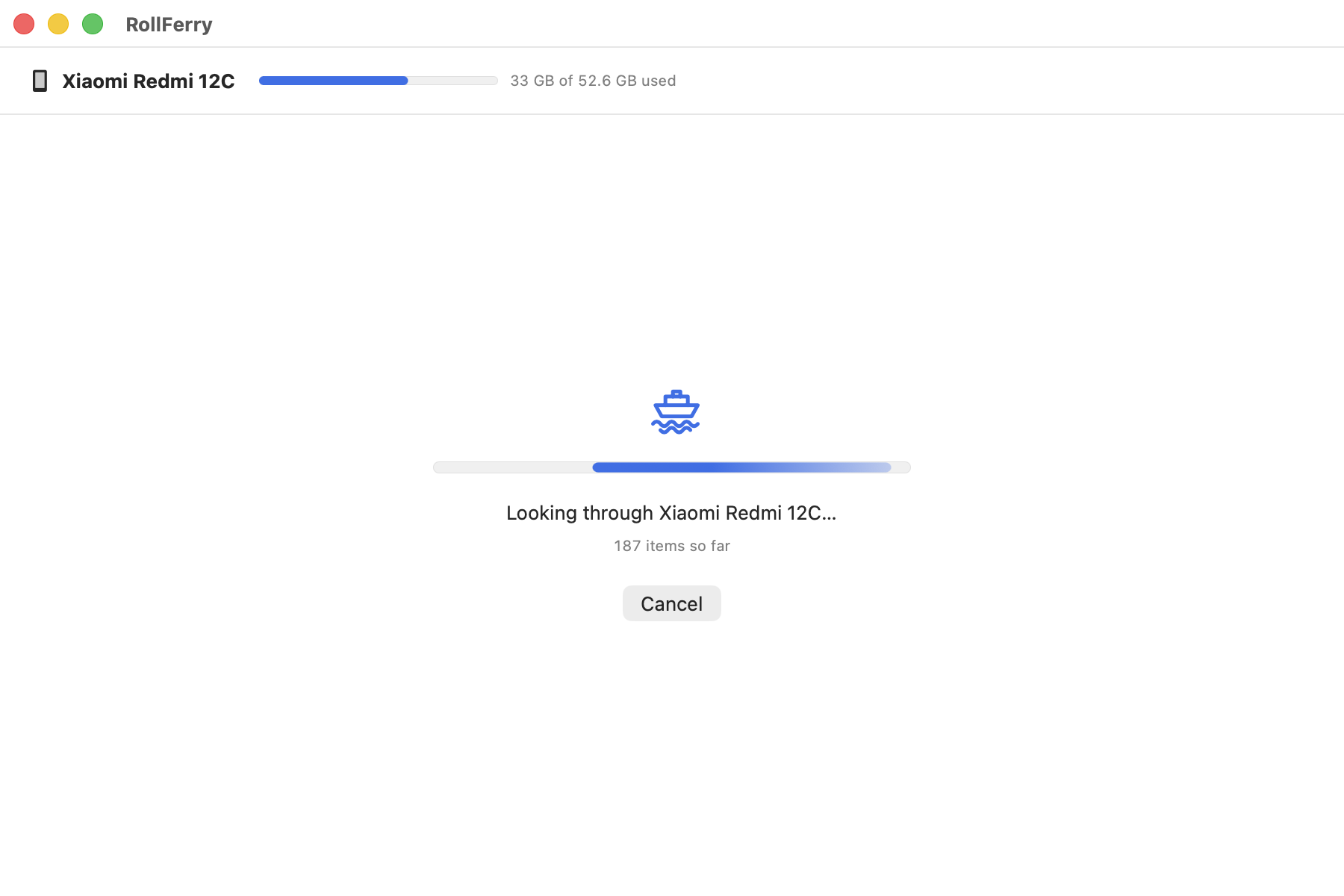
1.Plug in.
RollFerry finds your phone and reads what’s on it. 700 photos take about five seconds.
-
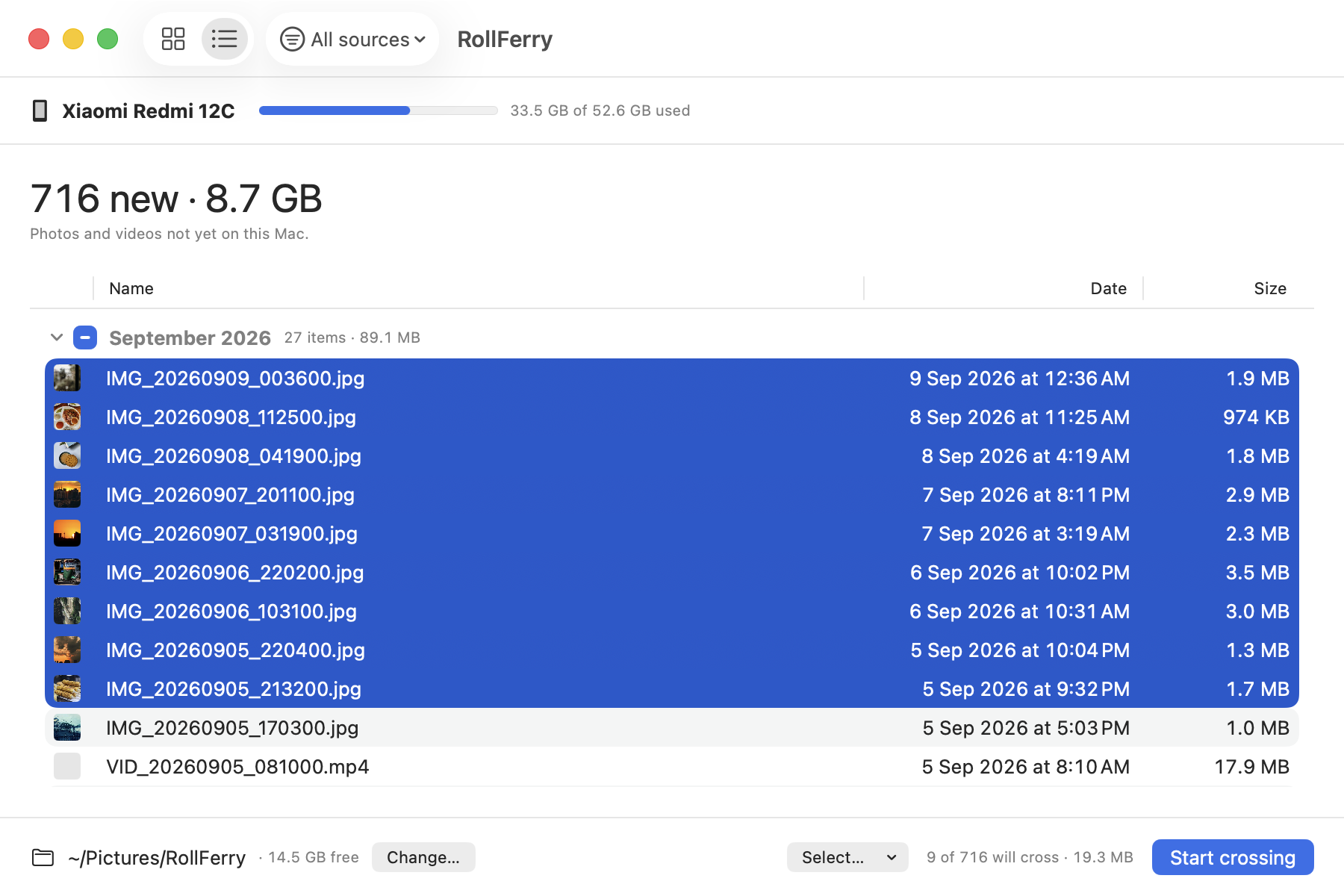
2.See what’s new.
Only the photos and videos that aren’t on your Mac yet, by month. Pick a month, a range, or everything.
-
3.Cross.
Each file is copied, then checked byte for byte. A tick means it landed. Unplug halfway and it picks up where it stopped.

-
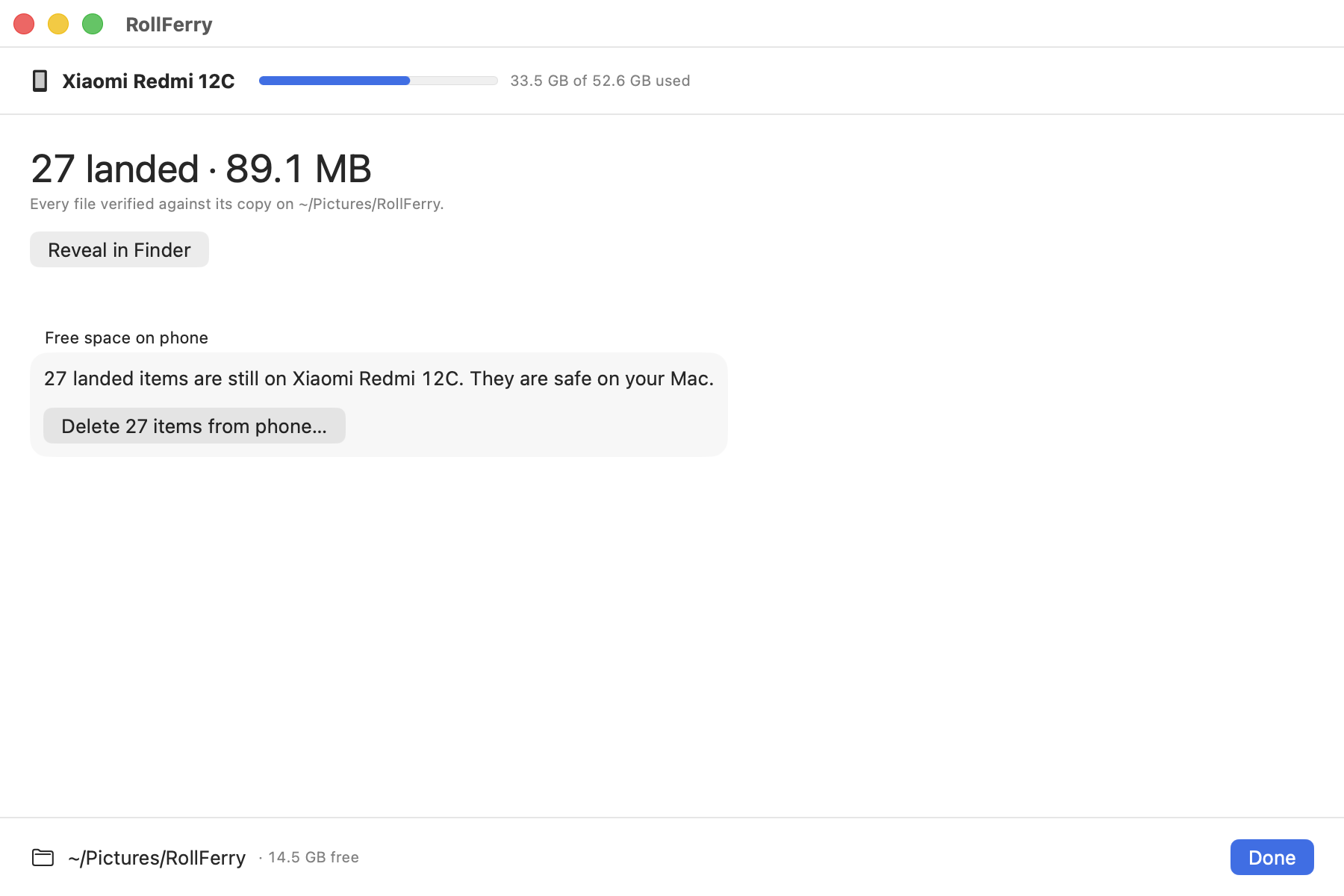
4.Free space, if you want.
RollFerry only offers to delete photos it has verified on your Mac — and only when you ask.
Your photos stay on your Mac
RollFerry never uploads anything. Filenames, thumbnails, photos — none of it leaves this computer. There’s no account and nothing to sign in to.
It works with the network off.
Turn off Wi-Fi and every feature works the same. The only thing RollFerry ever sends is your license key.
It runs in Apple’s sandbox.
macOS restricts it to the phone and the folder you chose. It can’t read the rest of your disk.
Every copy is verified before anything is deleted.
SHA-256 on each file. If a copy is missing or changed, the original stays on your phone.
Block RollFerry in your firewall and the only thing that stops working is buying it.
Tested the hard way
In testing on a OnePlus Nord CE 2: 709 files, 9.8 GB, crossed at 35 MB/s with zero errors. Cable pulled at 121 seconds: 443 files landed, 443 verified, zero partial files. Plugged back in: the remaining 266 crossed, and the total matched to the file. On a Xiaomi Redmi 12C: 645 new items found, thumbnails and months from the phone, no code changed between the two.
What it’s for
- Your phone is full. Move a year of photos to your Mac or a drive, then free the space — knowing every file is safe.
- You’re leaving Google One or iCloud. Plain folders by year and month, on a disk you own.
- WhatsApp ate your storage. Filter to WhatsApp media, pick what’s worth keeping, cross that, delete the rest.
Works with
Any Android phone over USB in File transfer mode. Tested: OnePlus, Xiaomi. Reported working: Samsung, Pixel. iPhone: coming.
Compared honestly
| Feature | Android File Transfer | OpenMTP | MacDroid | RollFerry |
|---|---|---|---|---|
| Still maintained | Discontinued 2024 | Yes | Yes | Yes |
| Photos-first (months, thumbnails, what’s new) | No | No | No | Yes |
| Verifies every copy | No | No | No | Yes |
| Safe delete (only verified files) | No | No | No | Yes |
| Resumes after unplug | No | No | Partly | Yes |
| Works offline, no account | Yes | Yes | Account for Pro | Yes |
| Price | Free | Free | $19.99/yr or $34.99 | $15 once |
Prices as of September 2026.
Pricing
$15, once.
One Mac. Every 1.x update. Try free first — scanning and browsing are unlimited; buying unlocks crossing.
Launch price: $9 for the first 200 copies · 200 left.
Buy RollFerry- Refunds: 7 days, no questions asked.
- Lost your key? Email and it’s resent.
FAQ
Will it delete my photos?
Only if you press "Delete … from phone" and confirm, and only for photos it has already verified on your Mac. It checks again, file by file, right before deleting. Anything it can’t verify stays on the phone.
What if I unplug halfway?
You lose at most the file that was mid-copy. Plug back in and it continues from there.
Where do my photos go?
Wherever you choose — a folder on your Mac or an external drive — organised by year and month (or year, or flat).
Does it work offline?
Yes. The only online step is checking your license key when you enter it.
Why does macOS warn me when I open it?
RollFerry isn’t distributed through the App Store, so macOS shows a one-time warning. The Download page has the three-click fix. Open the download page.
Does it work with my phone?
Any Android with a USB cable and File transfer mode. If yours misbehaves, email — every phone that’s reported gets a fix or an honest answer.
iPhone?
Coming. Buyers get it as a 1.x update.
Wi-Fi transfer?
Not yet, and possibly never — a cable is faster and more reliable for gigabytes of video.
Why not the App Store?
Sandboxed USB apps and the App Store don’t mix well.
Does the trial expire?
No. Scanning and browsing work forever. Buying unlocks copying.
Refunds?
7 days, no questions asked.
Who made this?
Shivam Dabas, one person in India who got tired of Android File Transfer breaking. [email protected].
Guides
One question per guide, answered in the first two sentences — including the ways that do not need RollFerry at all.
- Android File Transfer alternative for Mac (2026) Google discontinued Android File Transfer in 2024. Here is what actually works on a Mac today — the built-in way, the free way, and RollFerry.
- Google Photos storage full: move it to a drive Takeout exports the library to your Mac in archives; a cable copies the originals straight off the phone. Do the copying before you free up any space.
- Phone storage full? Move the photos to your Mac Photos and video are almost always the bulk of it. Copy them to the Mac or a drive over USB, check the copies, and only then delete from the phone.
- Transfer photos from a OnePlus phone to a Mac Set the USB mode to File transfer — OnePlus phones often revert to MIDI after a replug. Then copy from DCIM, or let RollFerry do it by month, verified.
- Transfer photos from a Google Pixel to a Mac Google Photos is the Pixel's default answer and it keeps your photos in Google's account. Over a cable you get plain folders on a disk you own.
- How to transfer photos from a Samsung Galaxy to a Mac (2026) Samsung's support page still says to install Android File Transfer, which no longer exists. Here is what actually works for Galaxy photos on a Mac.